MCP server
Every design,inside your AI agent
Connect once. Name a template, or say what you're building: your agent gets the template's project or prompt and builds it with your content. Nothing to copy.
 Claude Code
 Codex CLI
 VS Code
 Gemini CLI
 Claude app
connect in a minute
Pick your AI tool, add the server, and sign in to uberdesigner when it asks. A free account works; monthly and yearly open everything.
https://uberdesigner.ai/api/mcp- 1
Pick your AI tool
You get the exact steps for it.
- 2
Add the server
Run this in your terminal.
Claude Codeclaude mcp add --transport http uberdesigner https://uberdesigner.ai/api/mcp - 3
Sign in and allow
In Claude Code, type /mcp, pick uberdesigner and choose Authenticate. uberdesigner opens in your browser: sign in and allow. There is no key to copy.
- 4
Start building
Ask in your own words: what you're making, and what's yours (photos, copy, a menu).
try this in Claude CodeBuild my photography portfolio from the uberdesigner template emil ostrev, with the 30 photos in ./photos.
see it in action
Ask in the chat you already use. Here is what your agent does with each request, and what you get.
Build from a template you name
Name the template and say what's yours. Your agent downloads the project, builds it and swaps in your content, keeping the design.
what your agent does- get_template
Morph two designs into one
Give your agent two sites, apps or designs: links, screenshots or recordings, or a template from the library. It crosses them into one child where both are recognisable, as a live HTML concept, then a crossover video once you approve it.
what your agent does- ui_morph
Compare before you choose
Say what you're after. Your agent reads the library and comes back with a few to pick from. Browsing never counts toward your free templates.
what your agent does- browse_library
- get_template
Add one piece to your site
soonAsk for one thing for the site you already have. Your agent finds the library's versions of it and adds the one you pick, from its code.
what your agent does- find_pieces
- get_piece
Put it live
Ask where and how to host it. Your agent follows our deploy guide: a Cloudflare domain and hosting, Supabase when it needs data, R2 for media, cache and image settings.
what your agent does- deploy_stack
Replay the build
After a build, a swarm of agents rebuilds your site on screen, element by element, as a live replay or a video to post.
what your agent does- agent_swarm_build
Use it in a plain chat
In claude.ai or ChatGPT, where there's no project to run, your agent uses the template's one-file version.
what your agent does- get_template
 Your portfolio is running, with your photos in the helix.
agent swarm build
watch your site build itself
Once your site is built, ask your agent to replay it. A swarm of agents rebuilds it on screen, element by element, as a live replay or a 60 fps video with sound to post.
- From a template or from scratch: the swarm reads the finished page and rebuilds it.
- Watch it replay in the browser, or render it at 60 fps with sound.
- Free accounts use it 3 times a day, monthly and yearly without limit. It never counts toward your templates.
everything your agent can do
Your agent decides when to call each one. You just say what you want.
- browse_libraryEvery template in brief, grouped by look, with what each group suits and what your plan opens.never · counts toward your free limit
- get_templateOne template: its summary and group, the prompt that rebuilds it and, with monthly or yearly, a 10-minute link to its project.as a take · counts toward your free limit
- ui_morphTwo sites or apps crossed into one child product: a live one-file HTML concept, then a 1920×1080 crossover video and a zip. Unlimited; with a template, its project to build from.as a take · counts toward your free limit
- deploy_stackOur deploy skill: a domain and hosting on Cloudflare, Supabase for data and sign-in, R2 for media, image resizing and cache settings, set up step by step.free plan: 3 uses a day
- agent_swarm_buildOur swarm skill: a swarm of agents rebuilds your finished site on screen, ready to share as a 60 fps video with sound.free plan: 3 uses a day
- soonfind_piecesDescribe one thing you need, like “a 3D portfolio animation” or “an image trail that follows the cursor”. Your agent gets the matching pieces from every template.never · counts toward your free limit
- soonget_pieceOne piece's code: every file it needs, its packages, its settings and what it expects from your page.as a take · counts toward your free limit
On a free account, taking a template counts as it does on the site: up to 3 different free templates in any 24 hours, and the same one again doesn't count. Skills are free too: a free account uses each one 3 times in any 24 hours. Monthly and yearly have no limit.
get better results
- Point at your photos, copy or data. The agent keeps the template's design and swaps in your content.
- Describe what you're building and let it suggest. Browsing never counts toward your limit.
- The name on its page works, or the slug in its address.
- claude.ai and ChatGPT can't run a project; they build the template's one-file version.
- The deploy-stack skill walks your agent through the domain, hosting, database and caching.
questions
do i need a plan?
No. A free account can browse the whole library and take free templates' prompts, up to 3 different ones in any 24 hours, on the same count as the site. Monthly and yearly open every template's prompt and project.
which ai tools work?
Any tool that connects to remote MCP servers over Streamable HTTP and signs in with OAuth. This page has the steps for Claude Code, Codex, Cursor, VS Code, Gemini CLI, Windsurf, the Claude app and ChatGPT, and the address any other tool needs.
do i need an api key?
No. The first time your tool connects, it opens uberdesigner in your browser; you sign in and allow it. A tool that can only run local servers connects through mcp-remote, which opens the same sign-in.
prompt or project: what does my agent get?
A coding agent with monthly or yearly gets the template's Vite + React project and builds from that. Otherwise it gets the prompt that rebuilds the template. In a plain chat it gets the template's one-file version where there is one.
does it work in claude.ai or chatgpt?
Yes, as a custom connector with the address on this page. Whether you can add one depends on your Claude or ChatGPT plan. A chat app can't run a project, so it builds a one-file version of the template.
how do i disconnect?
Remove uberdesigner from your AI tool. To cut off every tool you've connected at once, write to support@uberdesigner.ai.
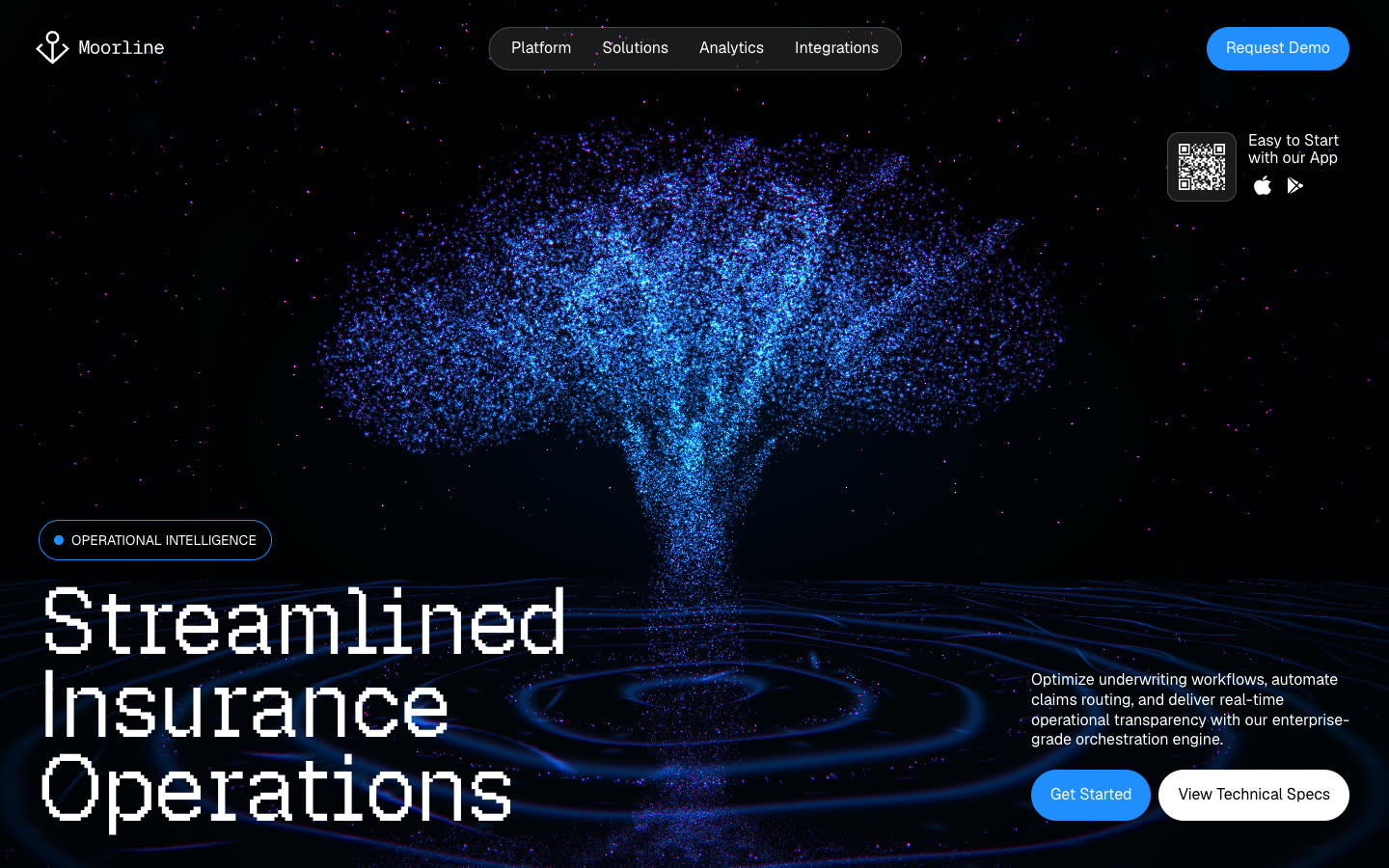
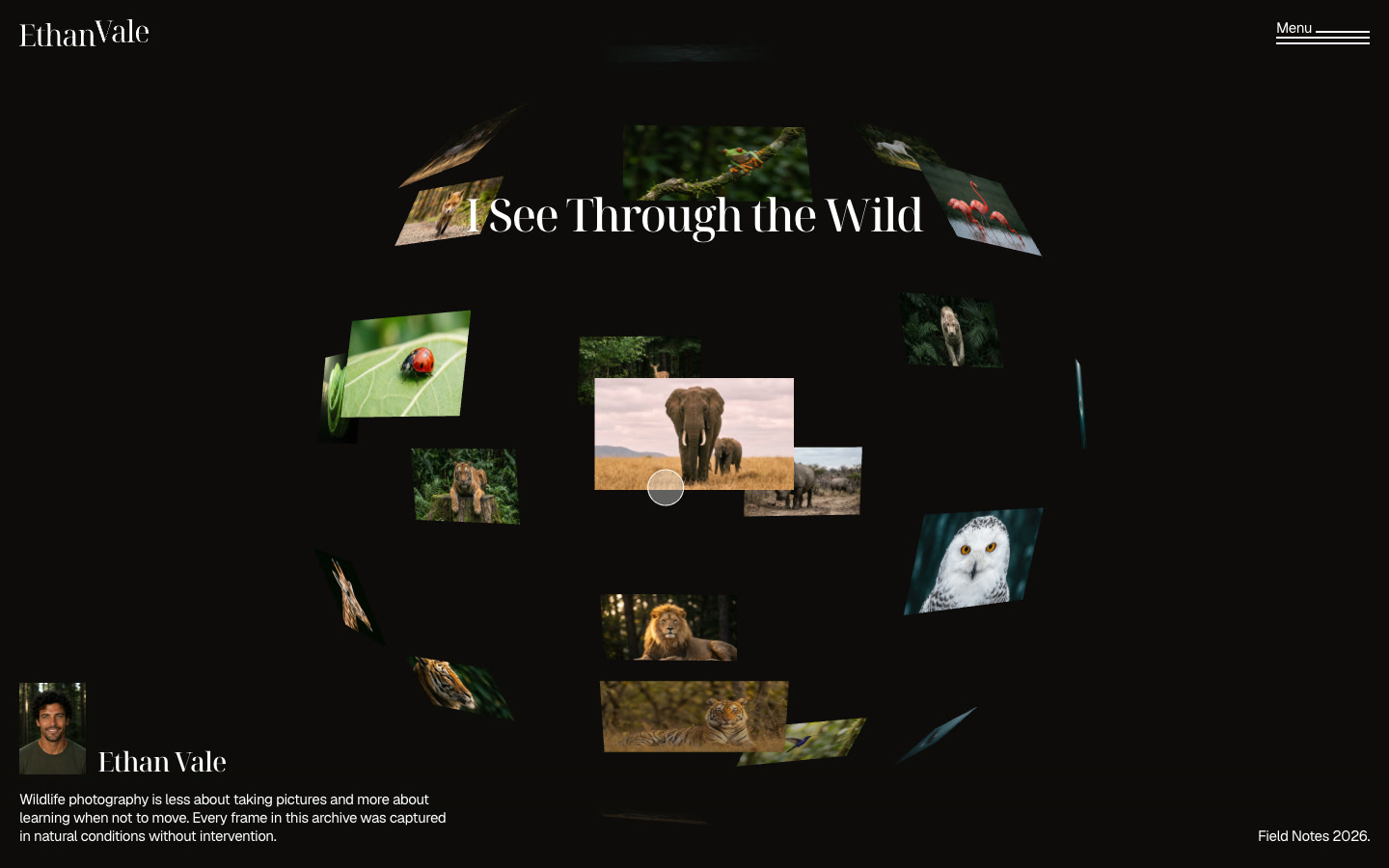
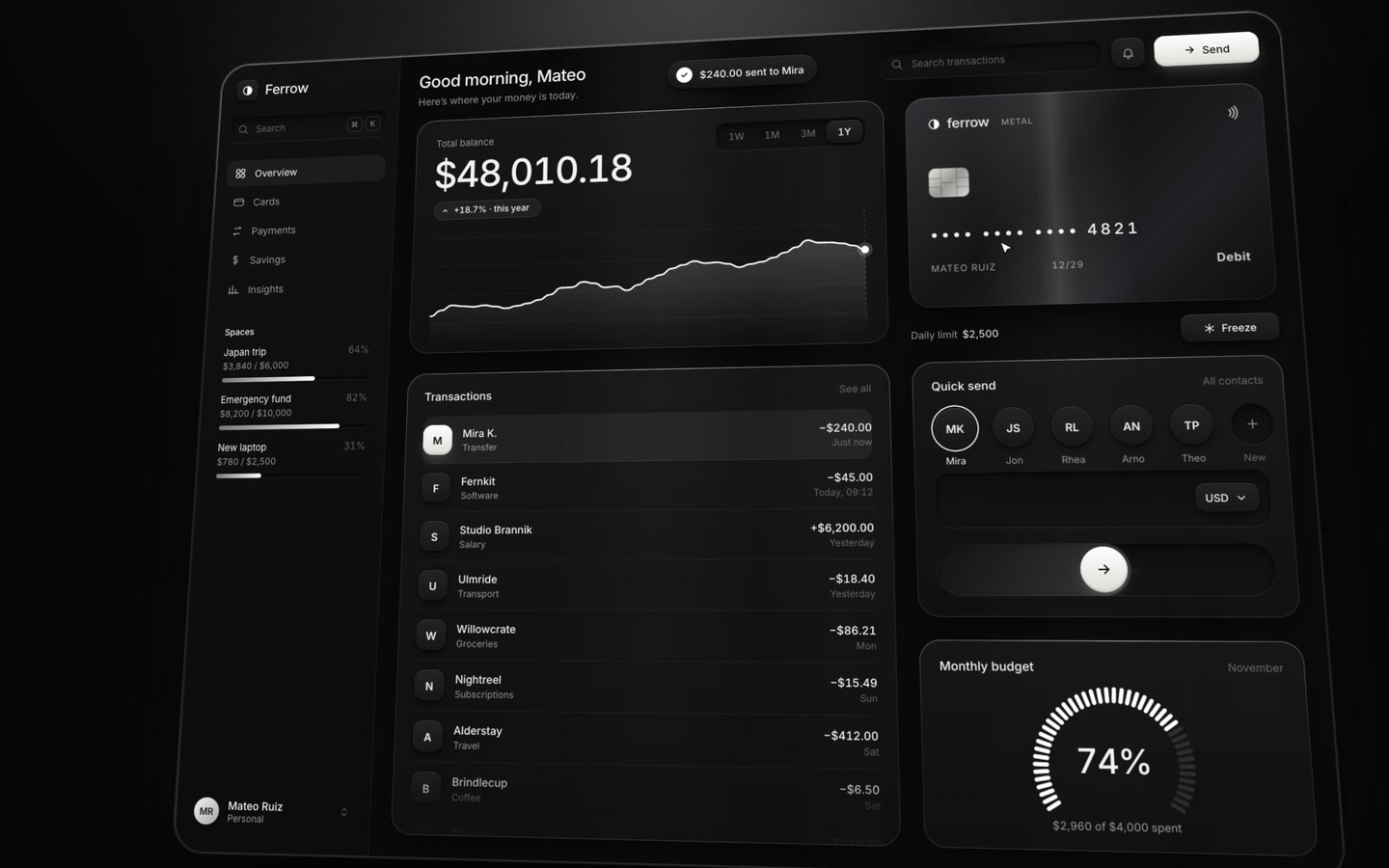
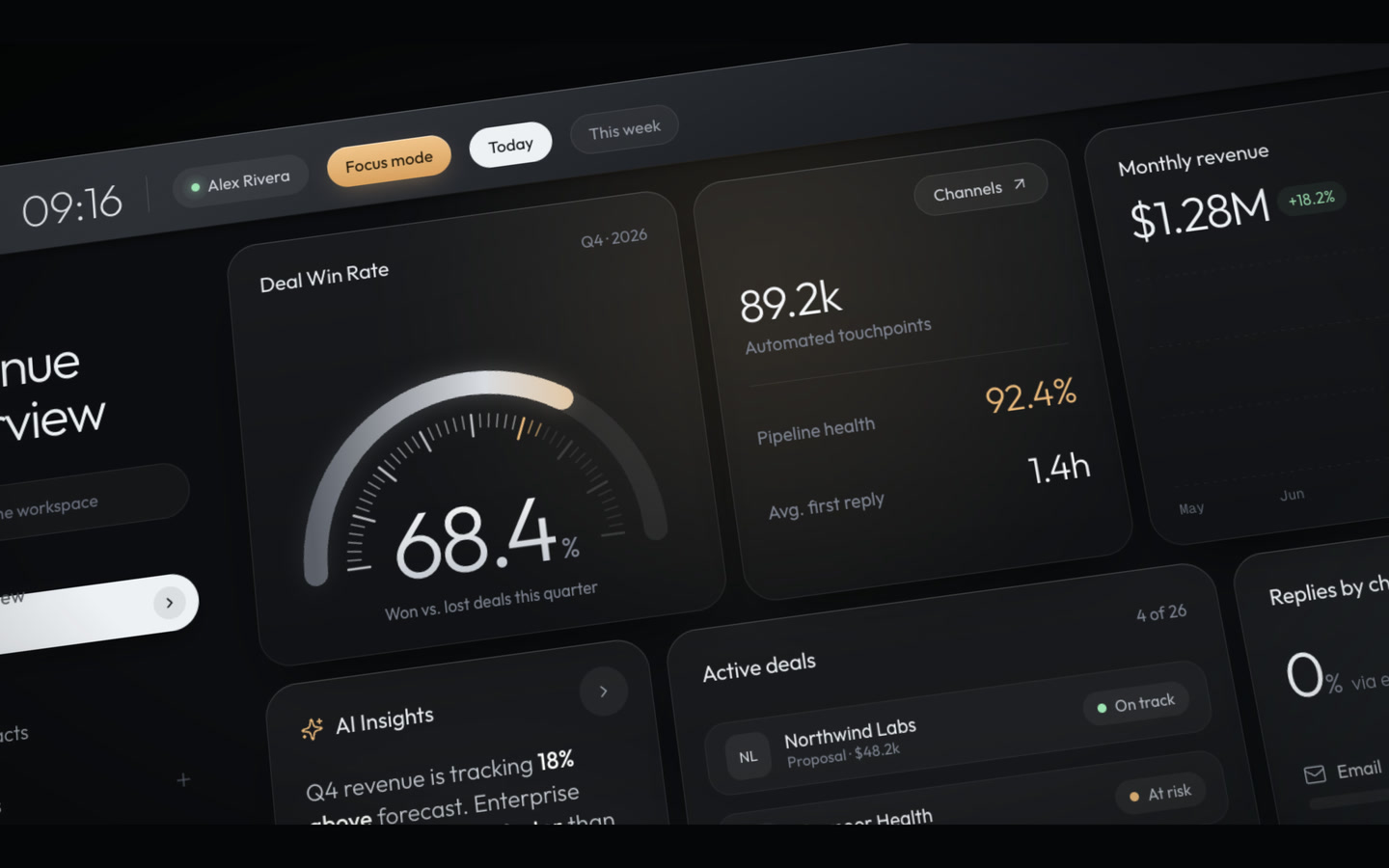
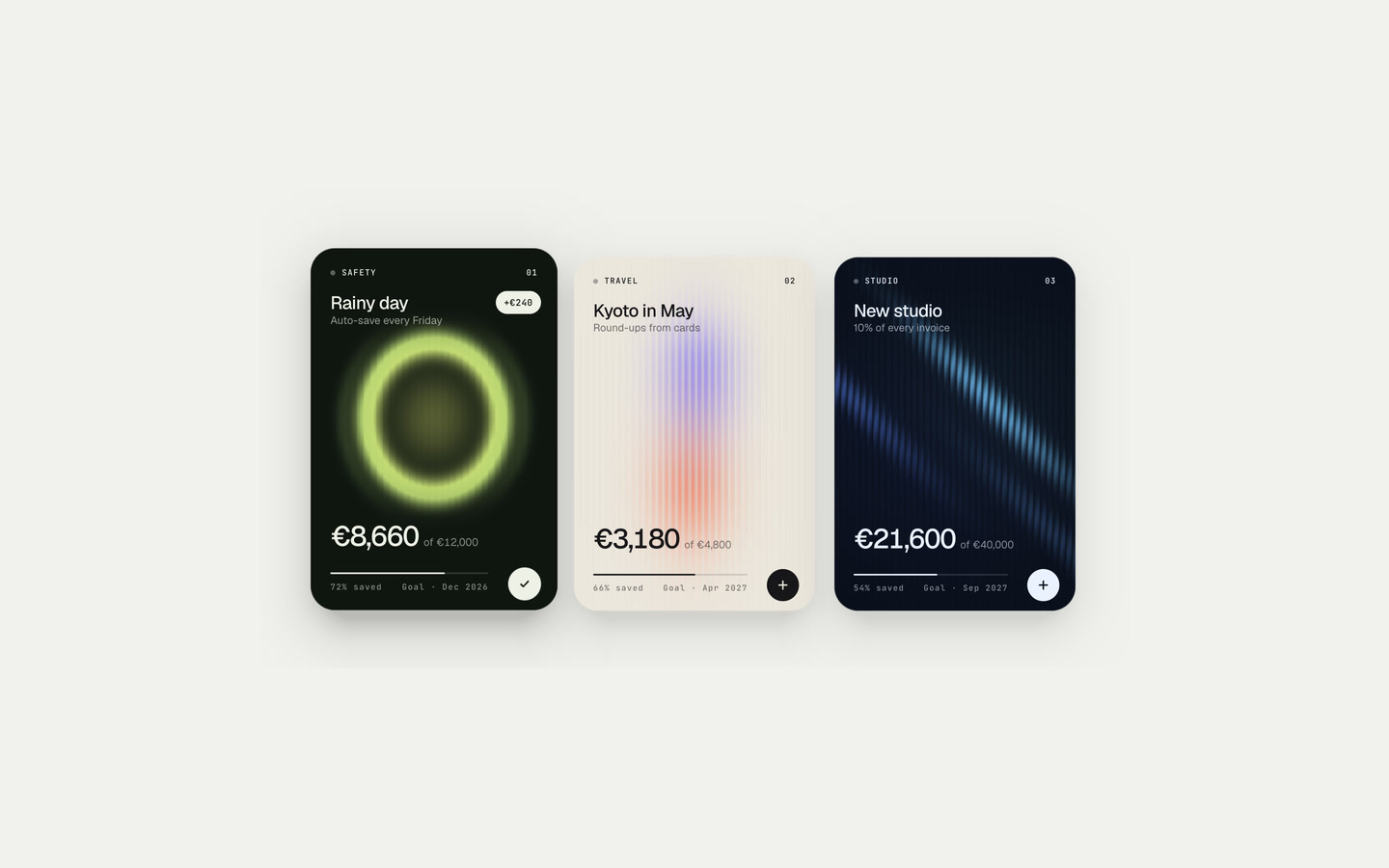
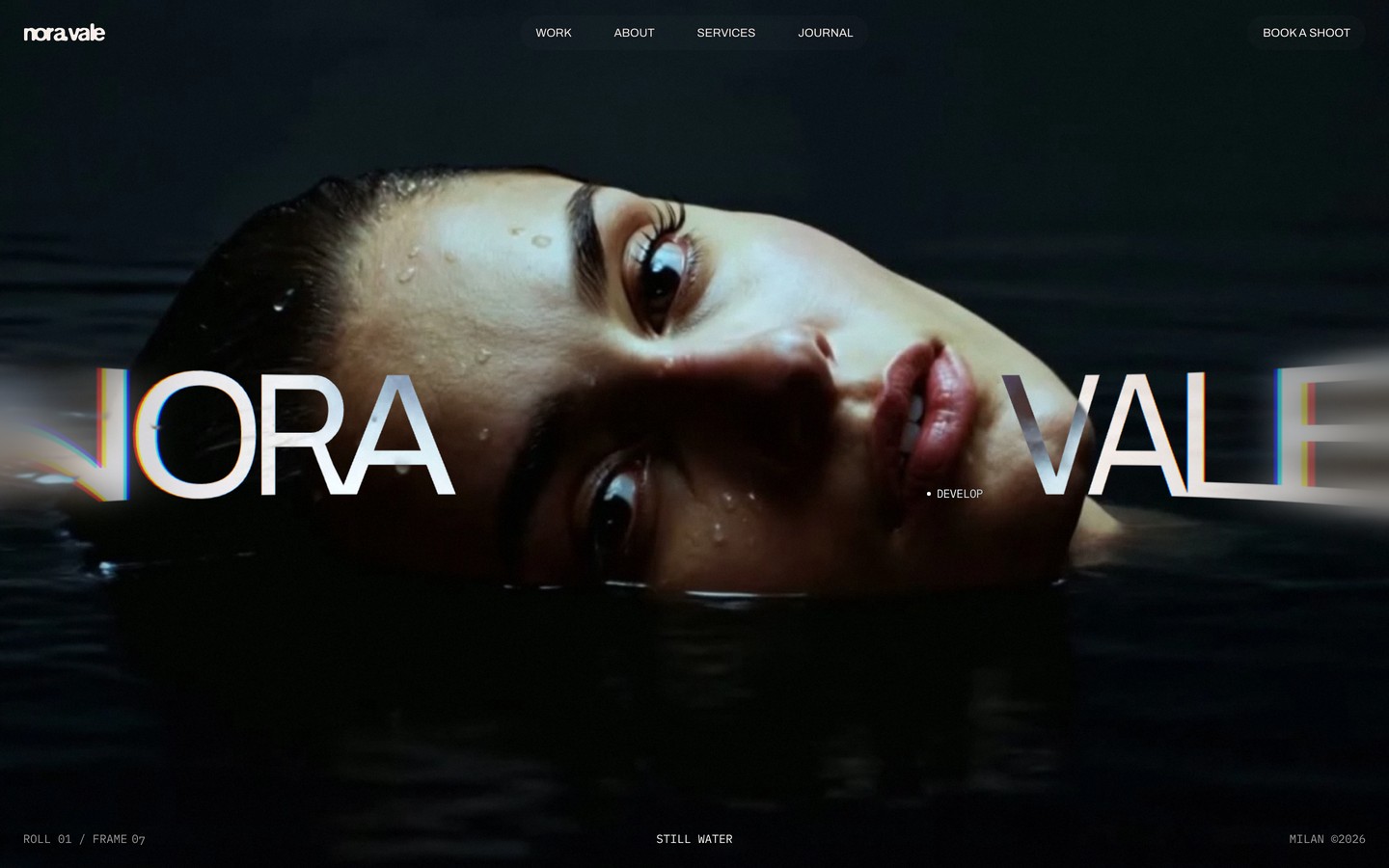
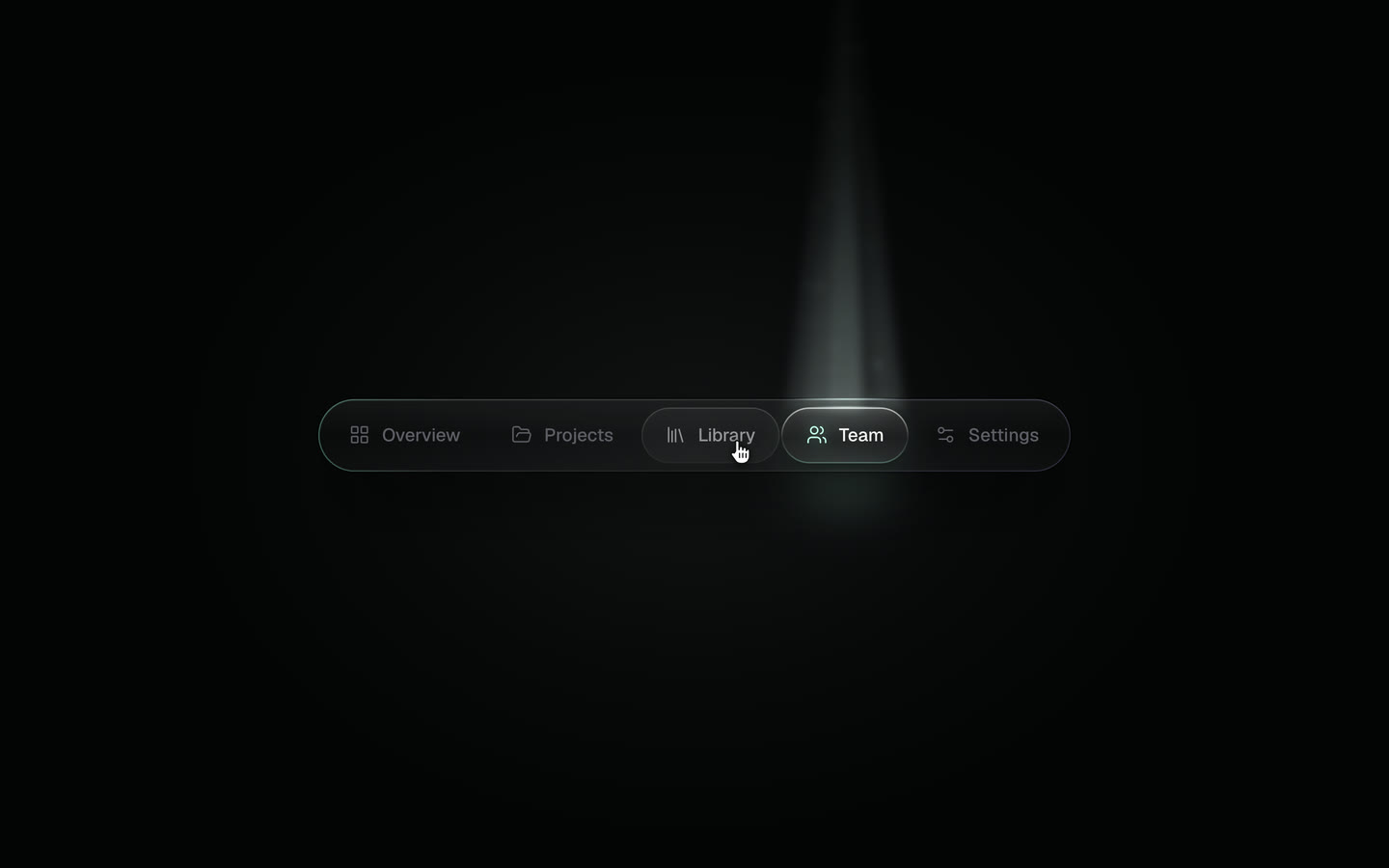

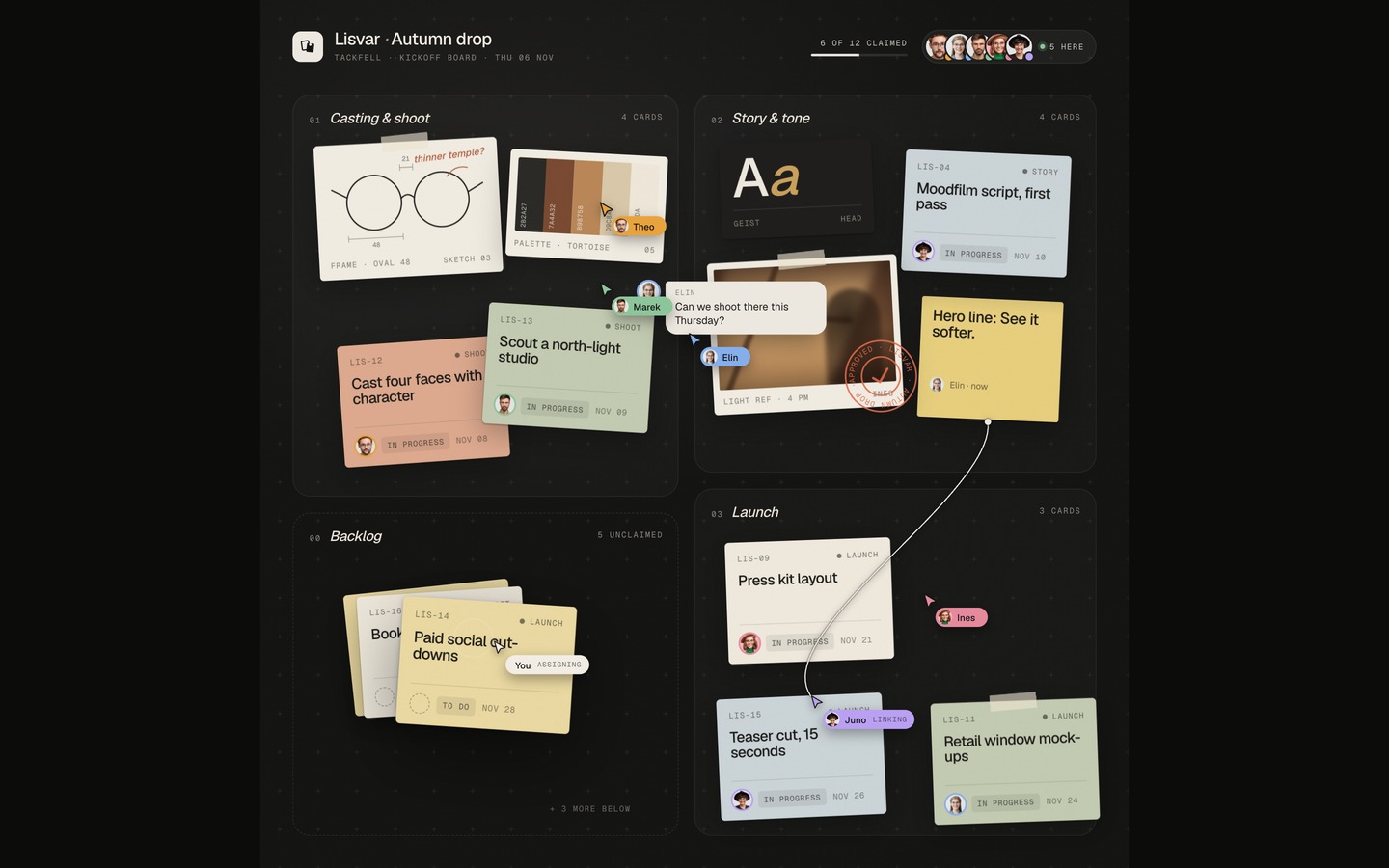
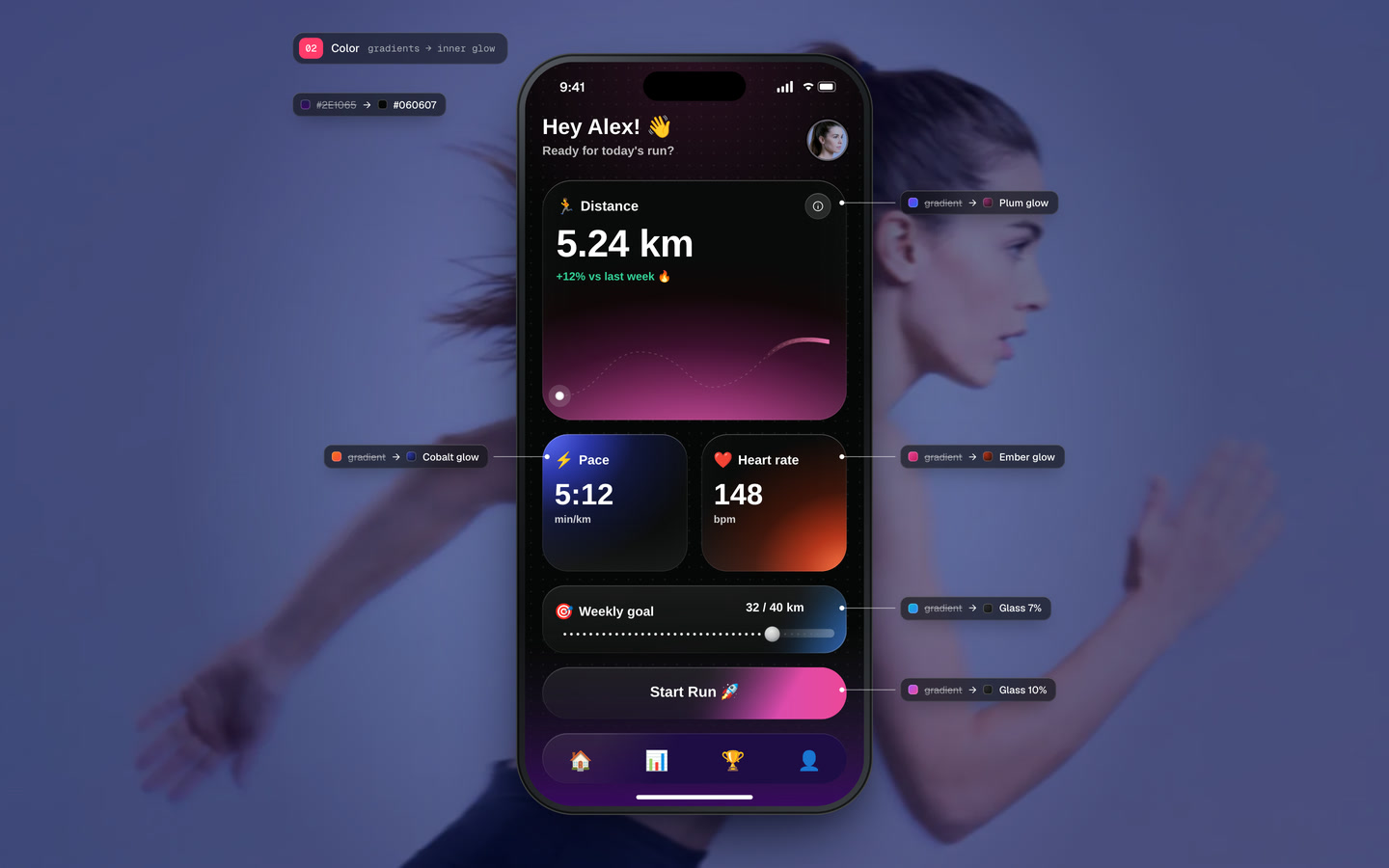
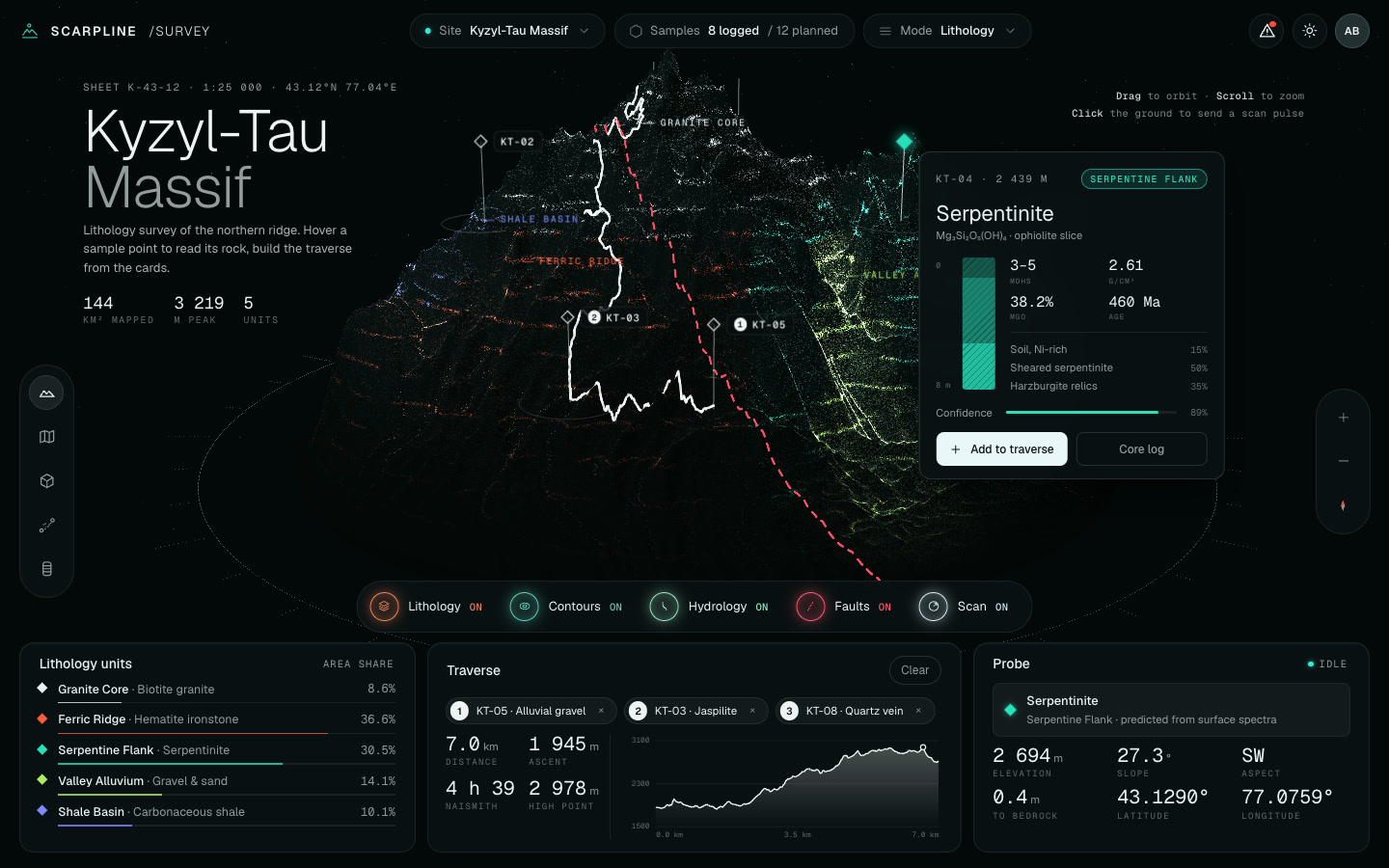
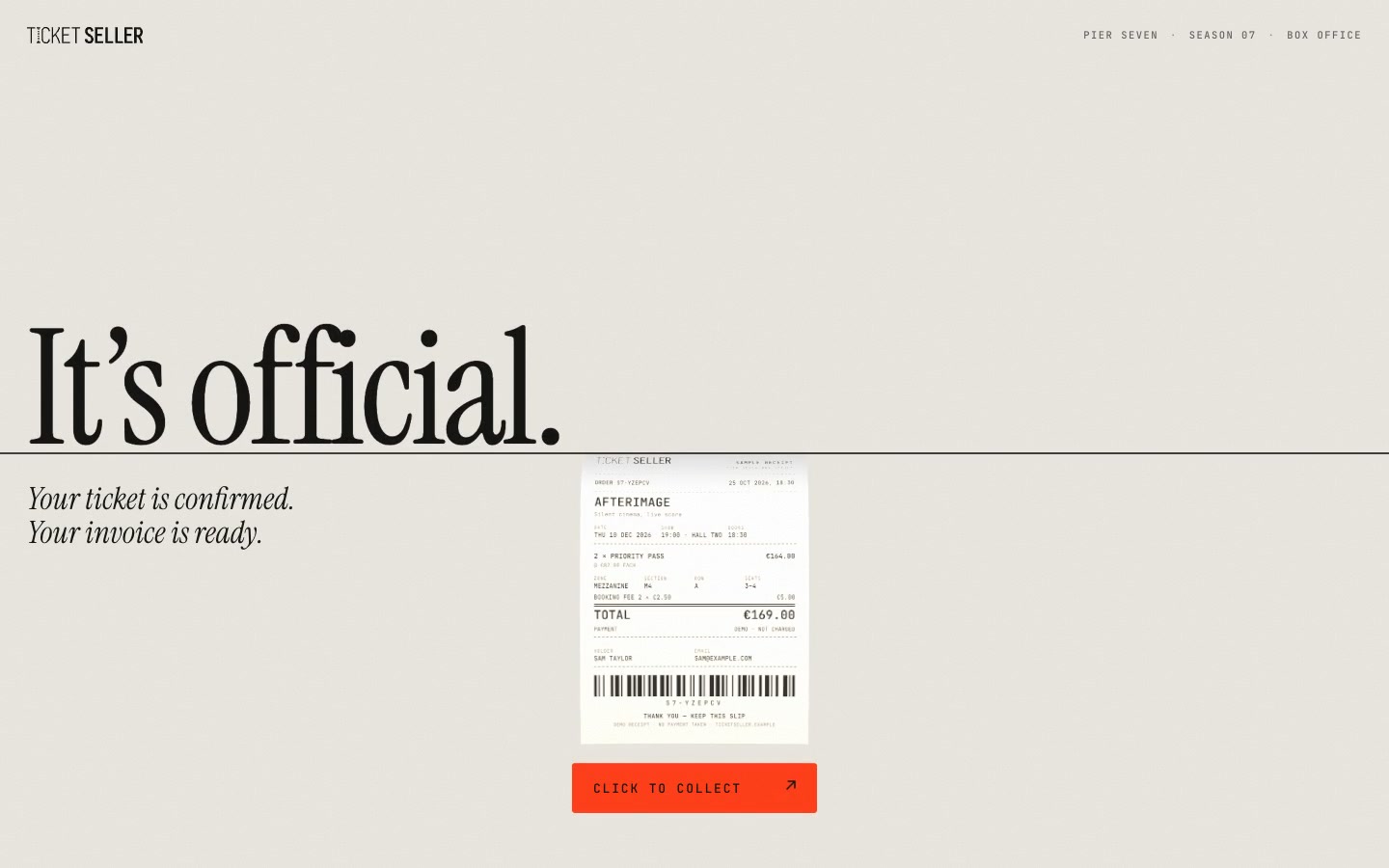
every template, in your agent
Start from a finished design instead of a blank page.