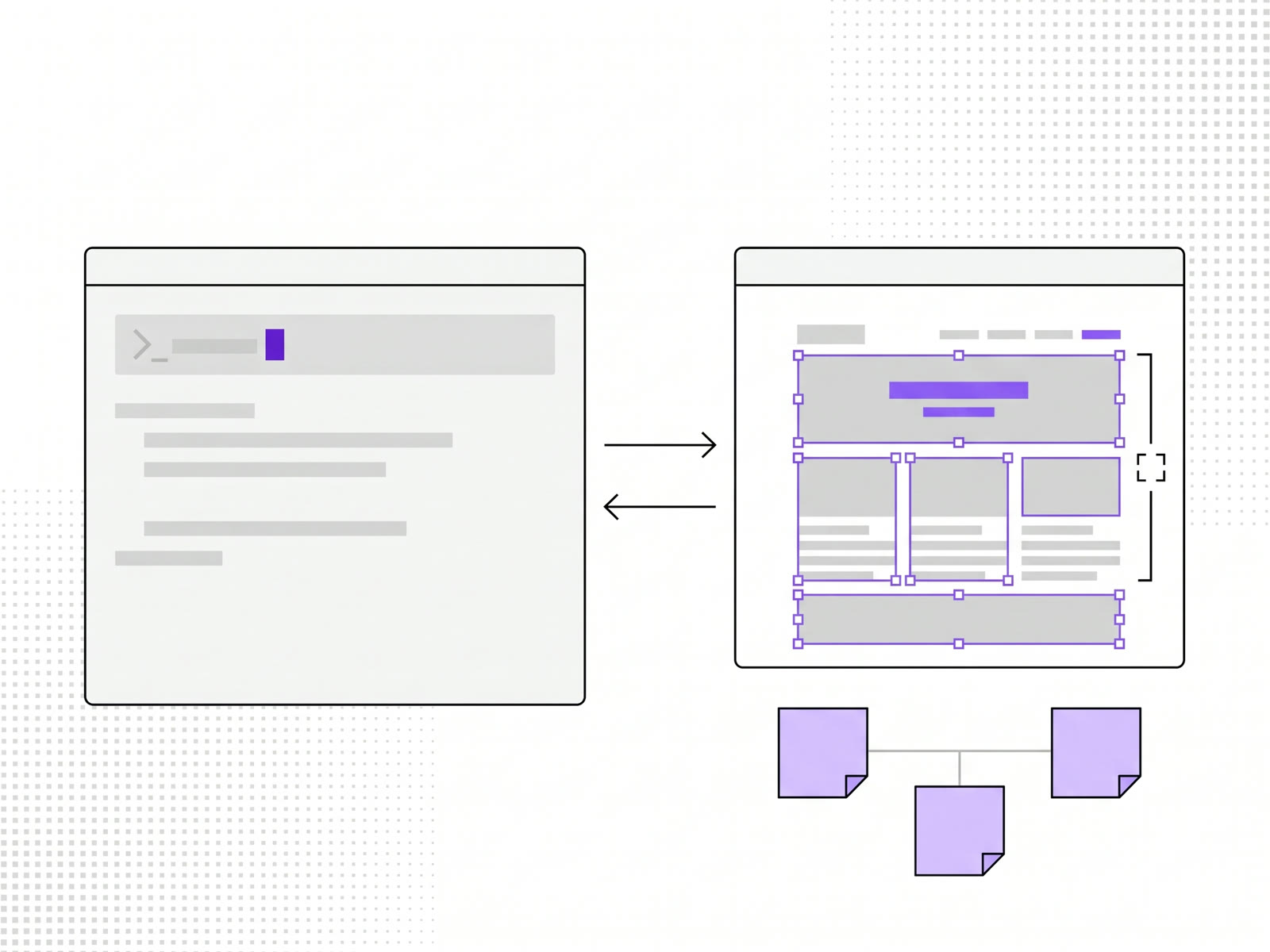
Claude Code connects to Figma through Figma's MCP server: one command to add it, one sign-in in the browser. After that Claude can read a design you link to, and write designs and diagrams back into your files. The setup takes a couple of minutes. What to do with it is the part worth reading about.
We use the connection for three jobs, and one of them is how this blog was built.
How to connect Claude Code to Figma
Figma's own instructions give two routes, as of November 2026:
- The plugin, which Figma recommends. In a terminal, run: claude plugin install figma@claude-plugins-official. It adds the server settings and Figma's own skills for common jobs. Then open Claude Code, type /plugin, go to the Installed tab, choose figma and sign in. A browser page opens; click Allow access.
- The manual route. Run: claude mcp add --transport http figma https://mcp.figma.com/mcp. That adds the server to the current project only; add --scope user after "add" to have it in every project. Then type /mcp in Claude Code, pick figma, choose Authenticate, and allow access in the browser. This route doesn't install Figma's skills.
You don't need the Figma desktop app for this. The server works on all Figma plans. Writing to the canvas outside your own drafts needs a Full seat, and Figma says that part is free during its beta and will become a paid, usage-based feature. Check Figma's guide for the current state before you rely on any of this.
Three ways we use it
1. From a Figma design to a live site. This is the simple one. You design something in Figma, send Claude the link with the connection on, and ask it to build it.
This blog is an example. Its index and article pages were designed as two frames in our Figma file. Claude read them through the connection and built the pages you are looking at, using the site's existing colours, type and spacing instead of inventing new values.
2. From a built site back into Figma. The other way around. Ask Claude to build something first, then ask it to bring the result into Figma. Edit the pieces there until it looks good and makes sense, then have Claude update the code.
The words are as plain as they sound. When something is wrong: "Can you please bring it into Figma?" After the edits: "I have updated the design in Figma. Let's update the code to match it."
3. Ideas into FigJam. In research and discovery, it is fast to come up with a lot of ideas with Claude and then ask it to put them into FigJam. They arrive structured, in a form you can hand to your designers or show a client.
What the Figma file needs
In our experience Claude doesn't get anything in particular wrong when it reads a Figma file. What matters is how the file is built.
It needs proper auto layout. The whole project should be set up in auto layouts, with widths structured properly. A good test, if you've used Framer: if you could copy the design and paste it into Framer and have it work, Claude can read it too.
The reason is the same in both cases. Auto layout is the part of a design file that says how things relate to each other, and that is what a builder needs in order to write layout code instead of guessing positions.
Where it goes wrong
The weak direction is into Figma, not out of it. With complicated designs, the auto layouts Claude sets up in the file are sometimes wrong.
The fix is to ask Claude to redo it. It usually isn't worth repairing by hand.
When to skip Figma
Skip it when you're adding something very similar to what already exists. On uberdesigner, when we add a page that is close to pages we already have, we try running it with Claude alone. If the result is good, nothing gets changed in Figma at all.
The reason to go into Figma is a result that is significantly wrong, one that strongly doesn't make sense. Then it's worth drawing what you mean. If it only needs a couple of tweaks, make them directly in Claude.
For what AI can and can't carry from a design file to a live page, see Figma to live site: what AI can and can't do.
FAQ
Do I need a paid Figma plan to connect Claude Code?
Figma lists its MCP server as available on all plans. Writing to the canvas outside your own drafts needs a Full seat, and Figma says that feature will become paid after its beta. Check Figma's guide for current terms.
Can Claude Code create designs in Figma, or only read them?
Both. It can read a design you link to, and it can write to Figma Design, FigJam and Slides files.
Why does the design Claude put into Figma look wrong?
With complicated designs the auto layouts can come out wrong. Ask Claude to redo it. Going the other way, from Figma to code, is the more reliable direction.
Does my Figma file need to be set up in a special way?
It needs auto layout throughout, with sensible widths. If the design would paste cleanly into Framer, it is in good shape for Claude.