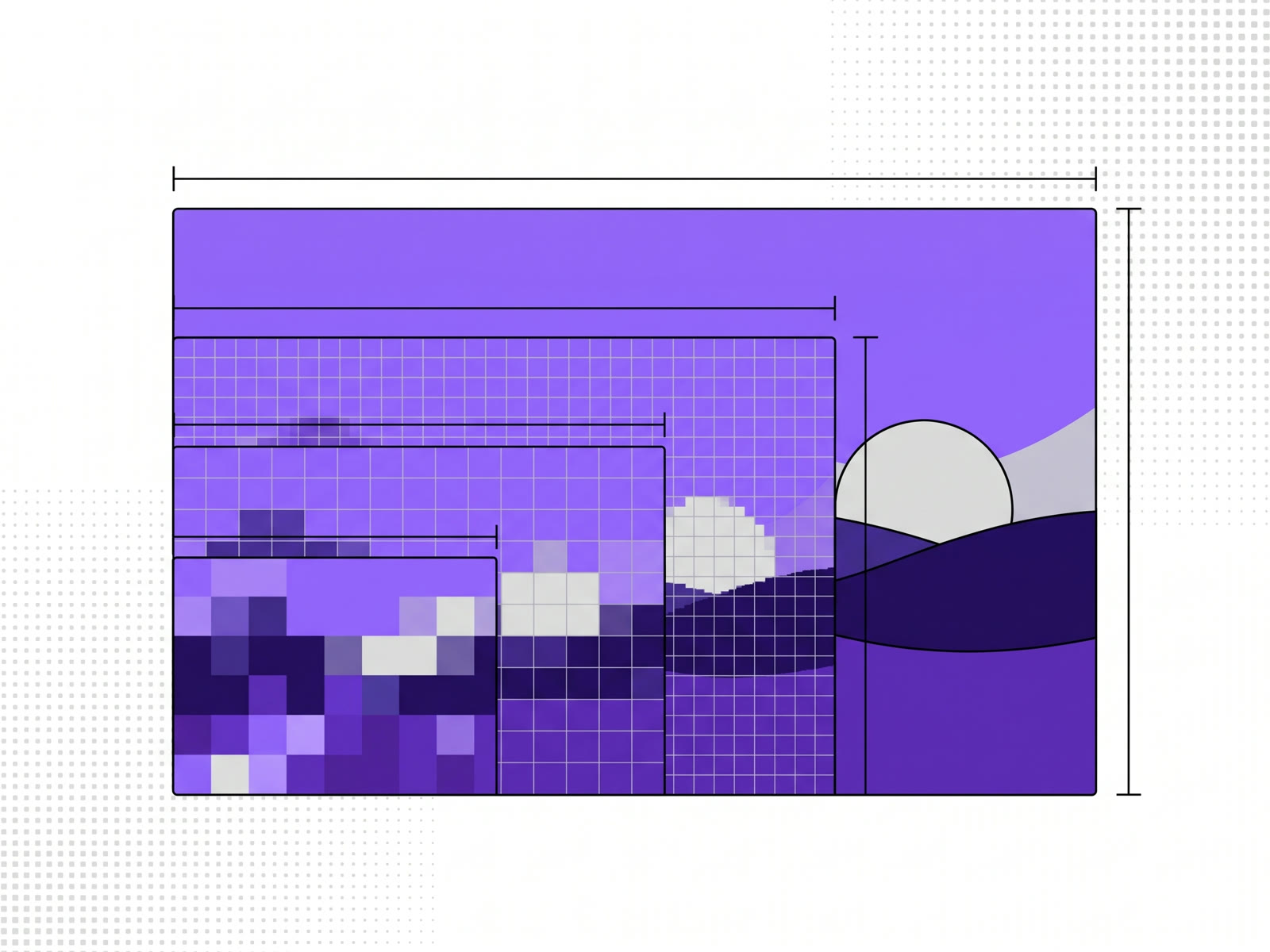
A 4K upscaler needs to take your photo to 3,840 pixels wide (4K UHD is 3,840 × 2,160). Divide 3,840 by your photo's width and you have the scale you need: a 1,920-pixel photo needs 2×, a 960-pixel one needs 4×, and a 480-pixel one needs 8×. AI upscaling fills in the new pixels with detail it predicts, which is why it looks sharper than ordinary resizing, but it can't recover detail that was never in the photo.
Which scale gets you to 4K
- 480 pixels wide: 8× makes 3,840 (4K).
- 960 pixels wide: 4× makes 3,840 (4K).
- 1,280 pixels wide: 2× makes 2,560, short of 4K; 4× makes 5,120, more than enough.
- 1,920 pixels wide (1080p): 2× makes 3,840 (4K).
When the result comes out larger than you need, resize it down afterwards. Scaling down a sharp large image looks better than stopping short and stretching the rest of the way.
What AI upscaling adds that resizing doesn't
Ordinary resizing, the kind an image editor does, makes up new pixels by blending their neighbours. The result is bigger and soft.
An AI upscaler is a model trained on pairs of small and large images. It has learned what edges, textures and fine patterns usually look like at a larger size, so it draws them in. Hair, fabric, foliage and brick come out with texture instead of blur.
What it can't do
- It can't recover detail that isn't there. A face that's a few pixels across in the original has no features for the model to enlarge. It will draw something plausible, which is not the same as what was there.
- It can't fix every kind of damage. Heavy compression, strong blur and noise all get worse to a degree the model can only partly undo.
- Text can come out wrong. Small lettering is a pattern the model may sharpen into the wrong shapes. Check it before you use the result.
The bigger the scale, the more the model is drawing rather than enlarging. 8× from a tiny image is mostly prediction.
How to upscale to 4K in your browser
Our AI image upscaler runs in your browser, so the photo isn't uploaded.
- Work out the scale from the table above.
- Add the photo and pick the scale: 2×, 4× or 8×.
- Pick a style. Sharp is the default; Max detail uses a model aimed at fine detail; try two and compare.
- Upscale, compare before and after, and download as PNG, JPG or WebP.
2× is free with a free account. 4× and 8×, and batches of up to 30 photos, are on the monthly and yearly plans. For more on how the in-browser version works and why it doesn't need to upload anything, see how to upscale an image for free, without uploading it.
FAQ
What resolution is 4K?
4K UHD, the usual size for screens and video, is 3,840 × 2,160 pixels. Cinema 4K is slightly wider, 4,096 pixels across.
Can I upscale a 1080p image to 4K?
Yes. 1080p is 1,920 pixels wide, so 2× takes it to exactly 3,840.
Is 8× upscaling worth it?
For a very small image that has to fill a large space, yes. Expect the model to invent more of the detail at 8× than at 2× or 4×.
Does upscaling make a blurry photo sharp?
It makes it larger and usually crisper, but it can't put back detail that the blur removed.