gate change
proGet the prompt, project and Figma file with monthly ($29 a month) or yearly ($249 a year). Plus tax where it applies.
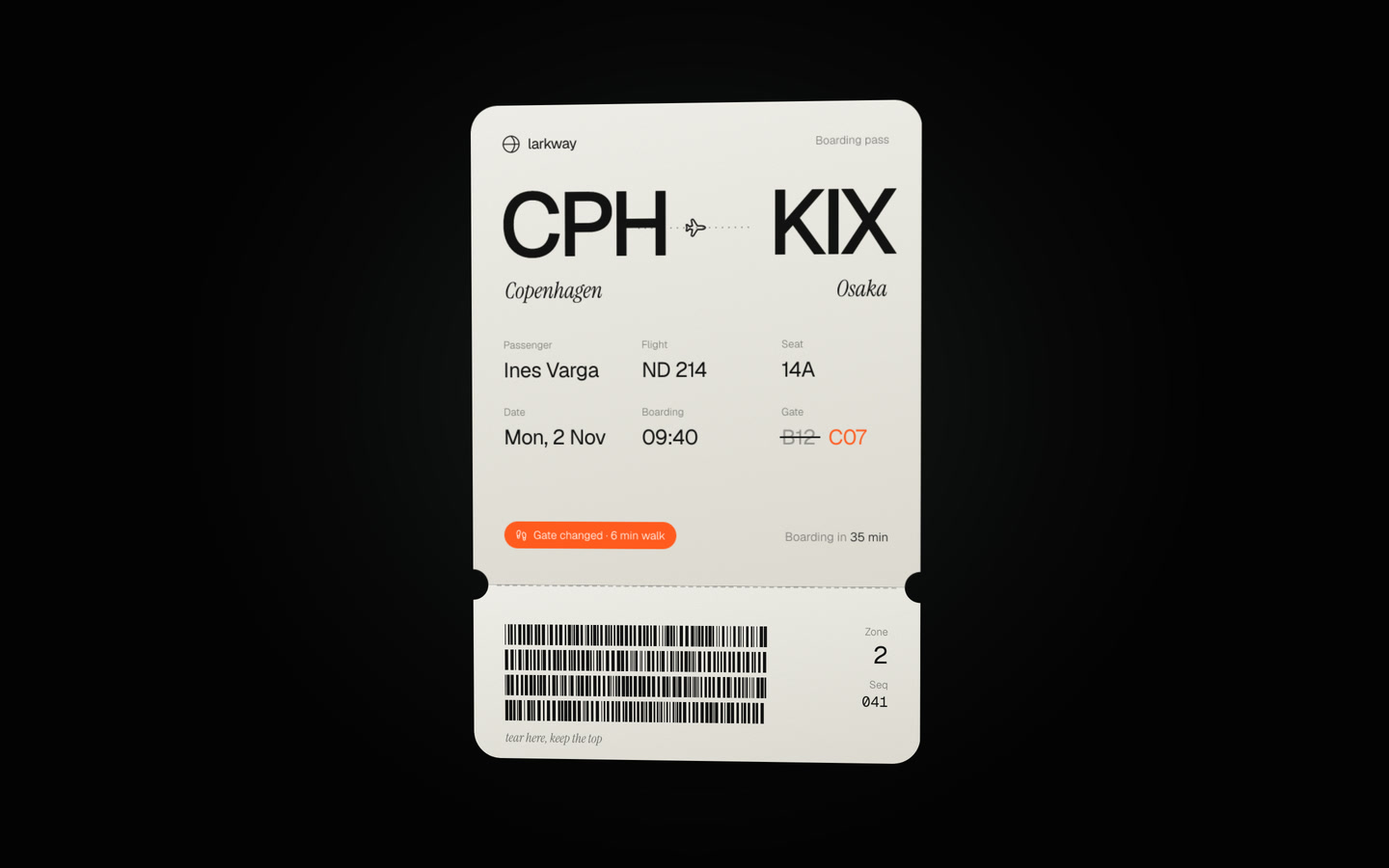
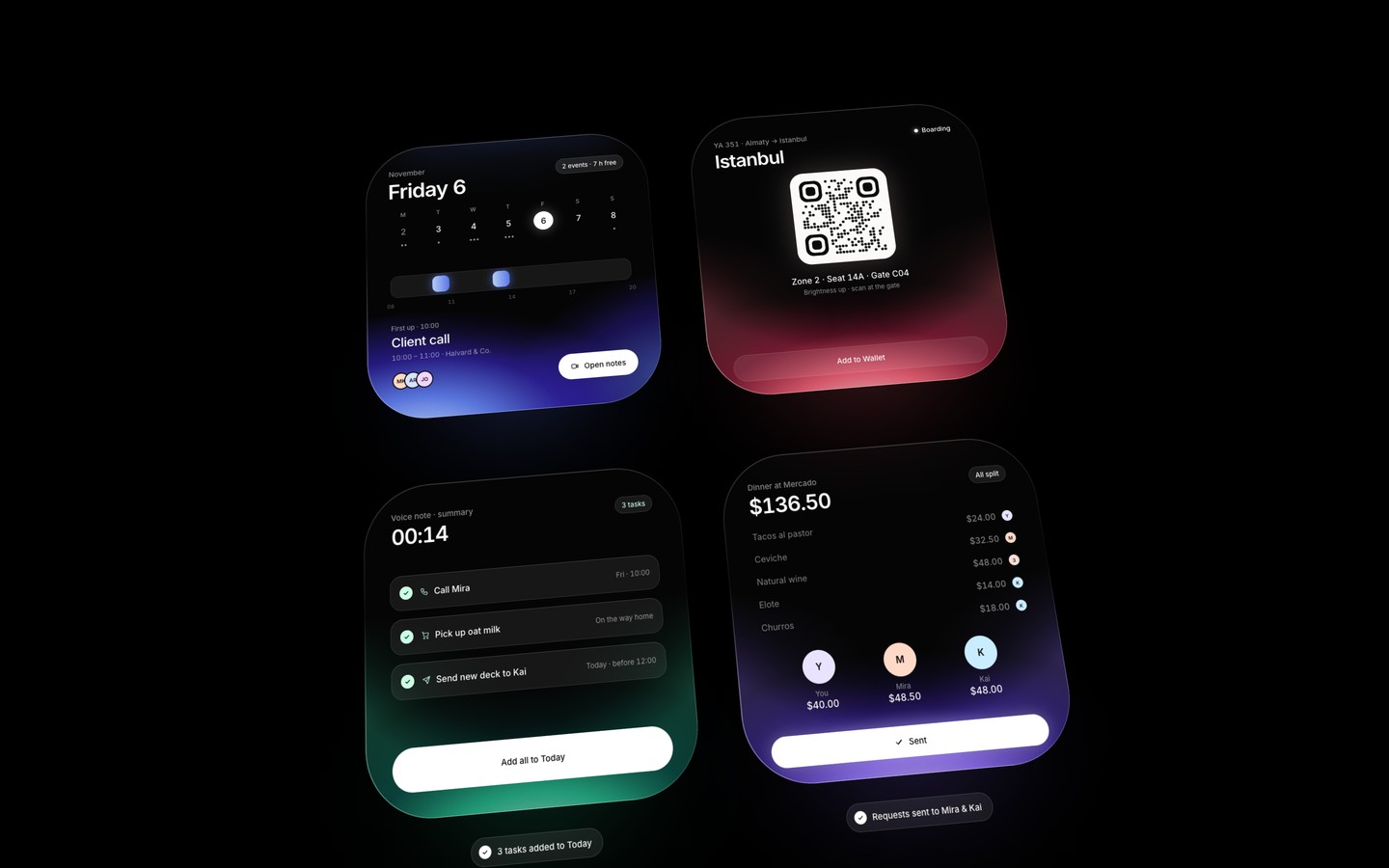
A motion study of a flight widget lit from inside: a dark 600 px card with a coral glow rising from its bottom edge, light spilling in from both sides, a fine grain, a thin rim that brightens toward the bottom and a soft bloom on the floor beneath it, all in white Inter type on black. One 12-second loop plays a trip to the gate for flight YA 351 from Almaty to Istanbul. The card fades up and lights, then the details come in: the status (On time, in green), the gate, boarding time and seat, the countdown "Boarding in 24 min" with its walk time and progress bar, a dotted route from You past Security to gate B12, and a glass button that says the boarding pass opens at 08:40. Then the gate changes: the light flashes amber, the status turns to Gate changed, the gate letters roll up one by one from B12 to C04, the route stretches to the new gate with a spring, the walk time jumps from 6 to 11 minutes and a toast slides in under the card: "Gate moved to C04 · 11 min walk". The countdown time-lapses to Boarding now while the You dot walks the route, leaving a white line, and the gate stop glows. The button turns white and pulses ("Show boarding pass"), a fingertip taps it, the details fade away and the boarding pass springs up as a code to scan with its caption, while the button settles to "Add to Wallet". Everything is a pure function of time on a 1080 × 1080 stage that scales to fit any window, with window.__render(t) for frame-exact video export. The widget is a self-contained component with its own clock prop, so it can be retimed and mounted on any background. The code is a random pattern, not a real QR code.
what you get
- prompt
- Paste it into Claude, Codex, Kimi or Cursor to rebuild this template. Tested: we rebuild every template from its prompt before it goes live.
- project
- The Vite + React source code as a .zip, ready to run.
- figma file
- The editable design as a .fig file to import into Figma.
what's inside
- widgets
- autoplay loop
- boarding pass
- countdown
- progress bars
- toast
- qr code
- card
stack
- react
- vite
- typescript
- svg
fonts
Inter
Free fonts, linked in the prompt.
colors
- #000000
- #050505
- #FF6278
- #FFDCD6
- #B41E46
- #FFC46B
- #6EE7A8
- #FBFAF8
license
With monthly or yearly: personal and commercial work, client projects included. Don't resell or share the template, prompt or files.
read the license